Utility intelligence from aerial data
See corridor conditions, vegetation risk, and field work activity in one operational view.
A customer-facing engagement page for walking utility stakeholders through LineIntel's high-resolution imagery, orthomosaics, vegetation detection, work orders, POIs, and mobile workflows.
Marketing briefing
Customer-ready context for the live conversation.
Open the right asset at the right moment during discovery, technical validation, or executive discussion.
PDF
Sales Briefing
Formal customer briefing deck for executive and technical sales conversations.
PDFMarketing Brochure
Core overview for discovery, stakeholder alignment, and post-demo follow-up.
PDFSolution Placemat
Concise visual summary for utility stakeholders and field operations leaders.
PDFInfo Card
Compact handout with fast reference details for prospects.
Imagery library
Show the source data and the operational layers it unlocks.
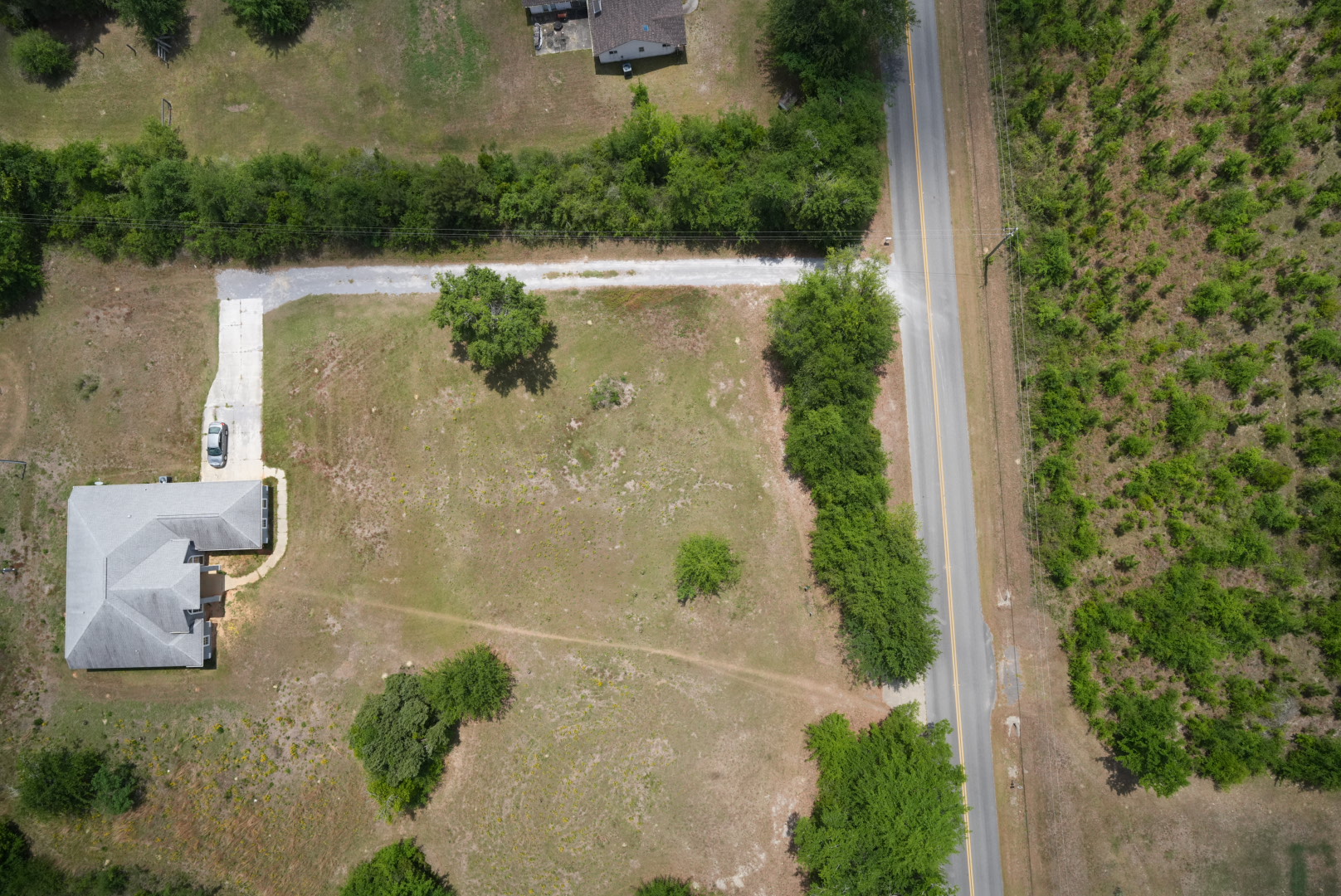
Drone capture
Bear Creek corridor imagery
Opening visual proof point for inspection quality, span context, and route discussion.
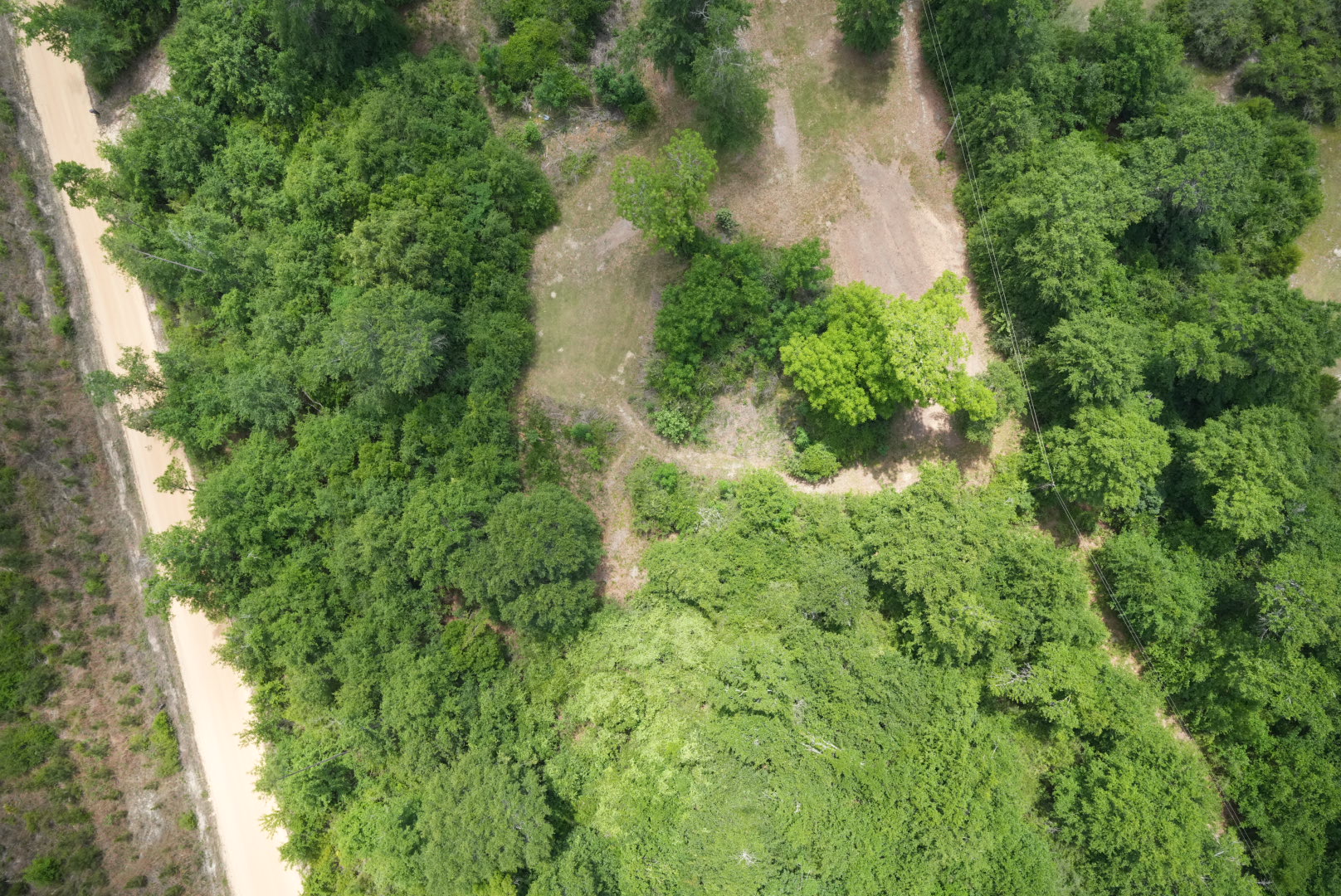
Vegetation
Encroachment examples
Customer-visible conditions that connect aerial capture to targeted maintenance action.
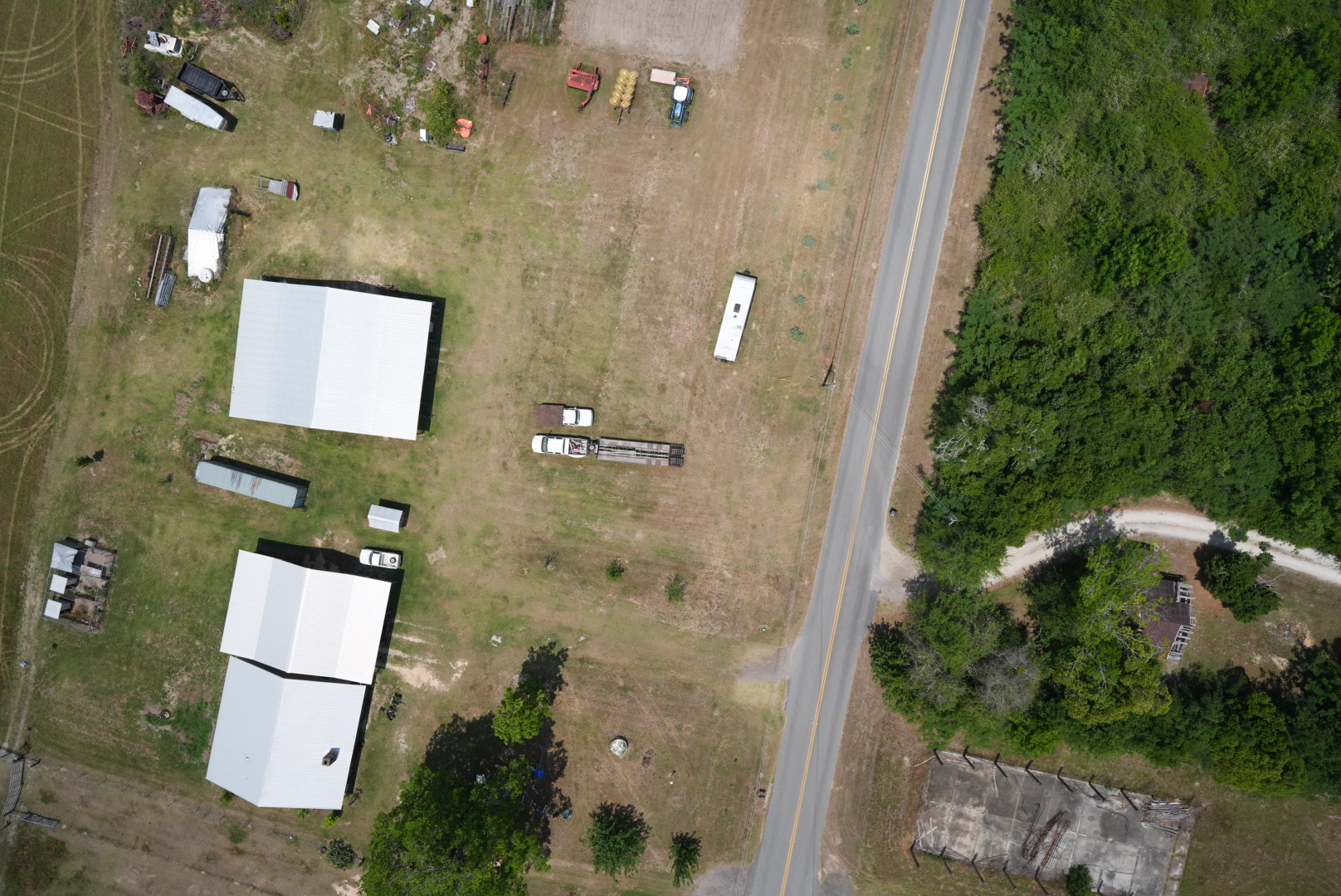
Field signal
Geotagged photo review
Each image can be opened from its map location during the live customer conversation.
Interactive map
Explore geotagged findings and the Bear Creek orthomosaic in context.
Use the satellite base layer for customer context, open inspection photos from their capture locations, and load the Cloud Optimized GeoTIFF when the conversation moves into mosaic detail.
Application walkthroughs
Move through the product story during the customer meeting.
Each tile can become a video embed or remain a quick visual jump point for live discussion.
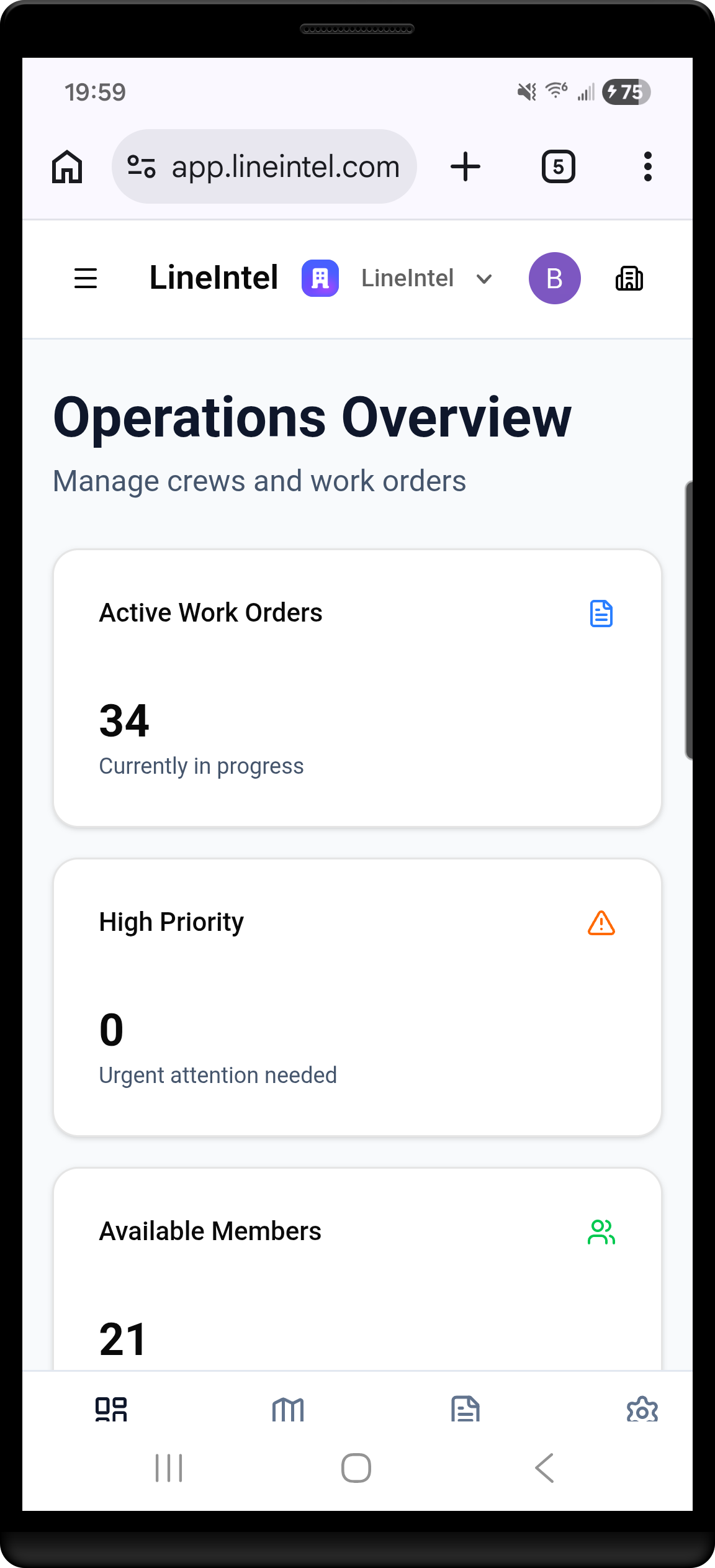
Video slot
Executive dashboard
Review current inspection status, priority items, and field activity at a glance.
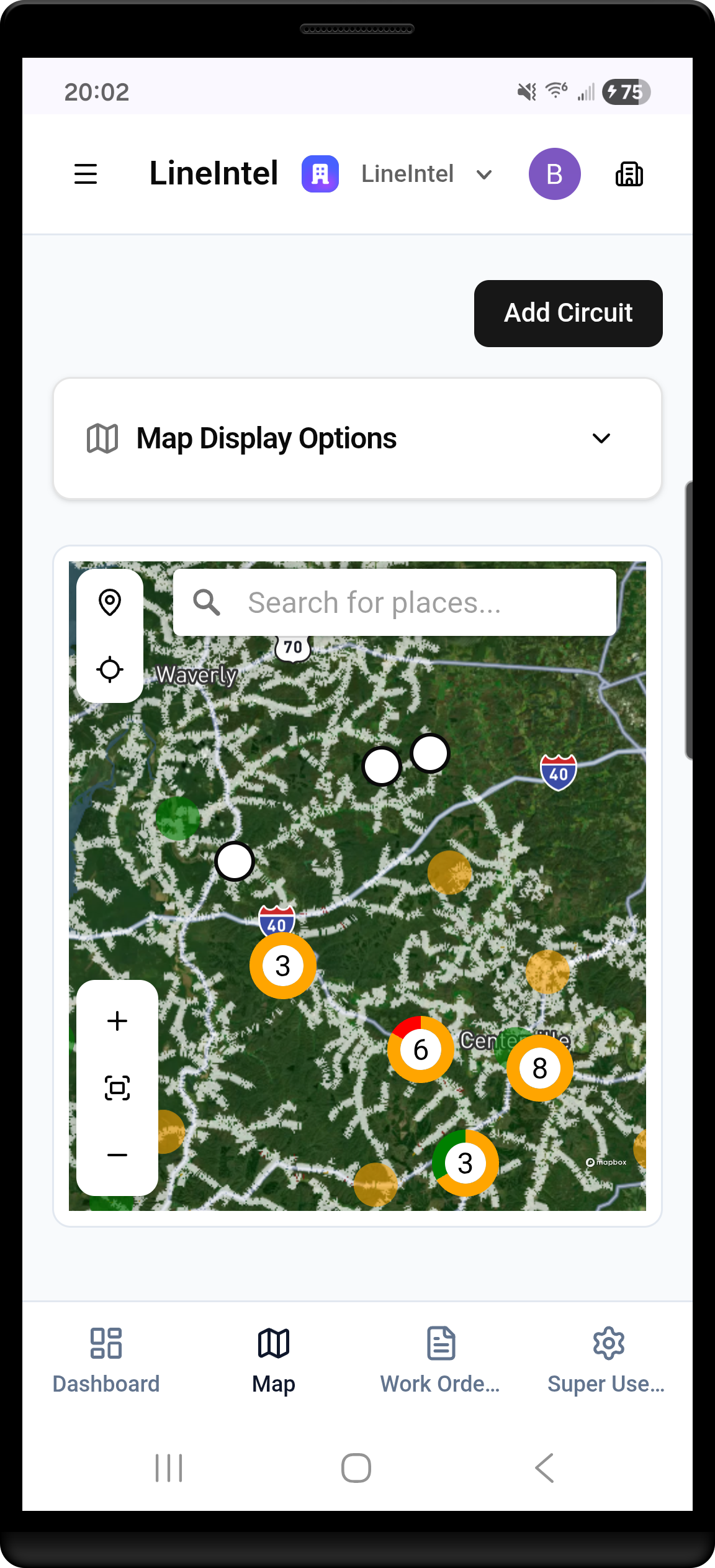
Video slot
Adding POIs
Drop points of interest from the map and connect observations to corridor context.
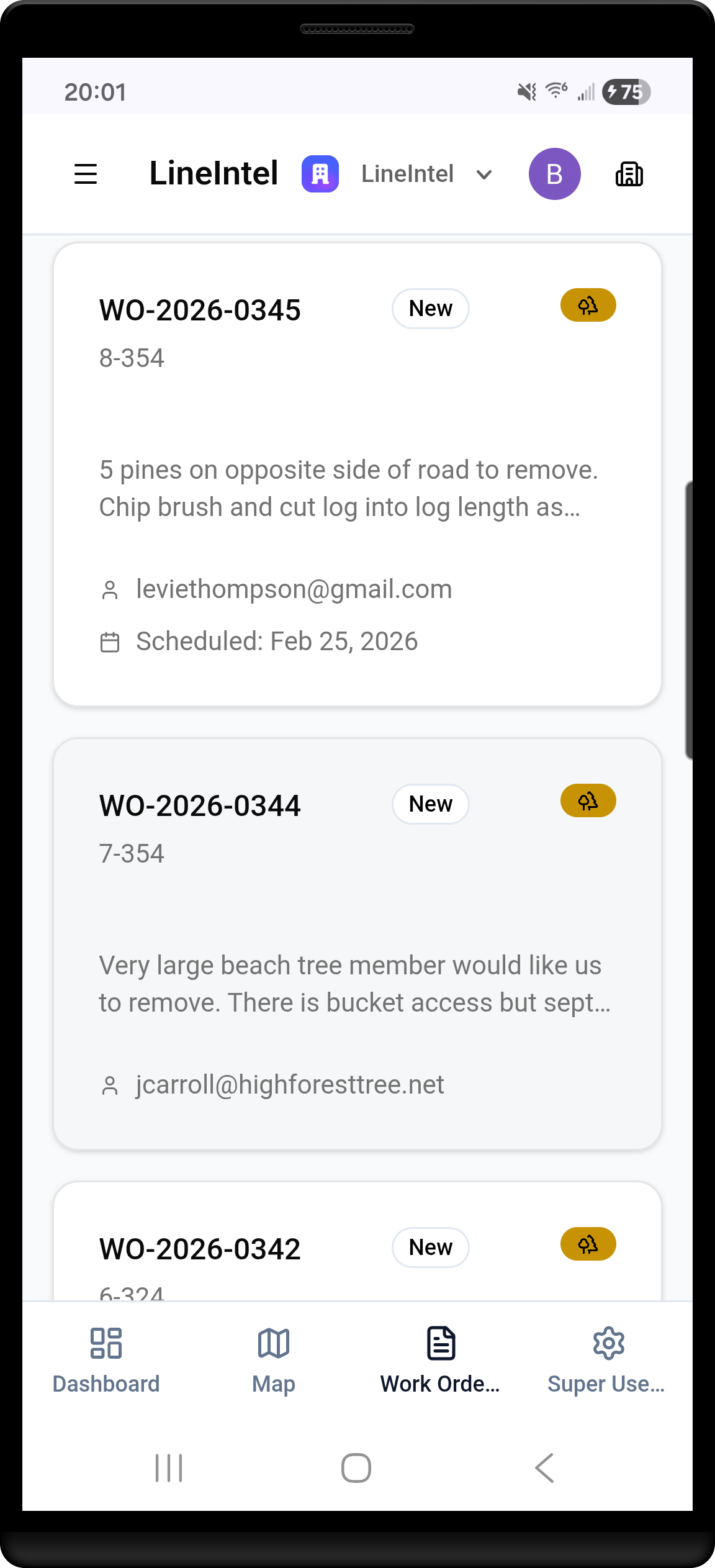
Video slot
Work order review
Inspect assigned work, status, location, and supporting imagery before dispatch.
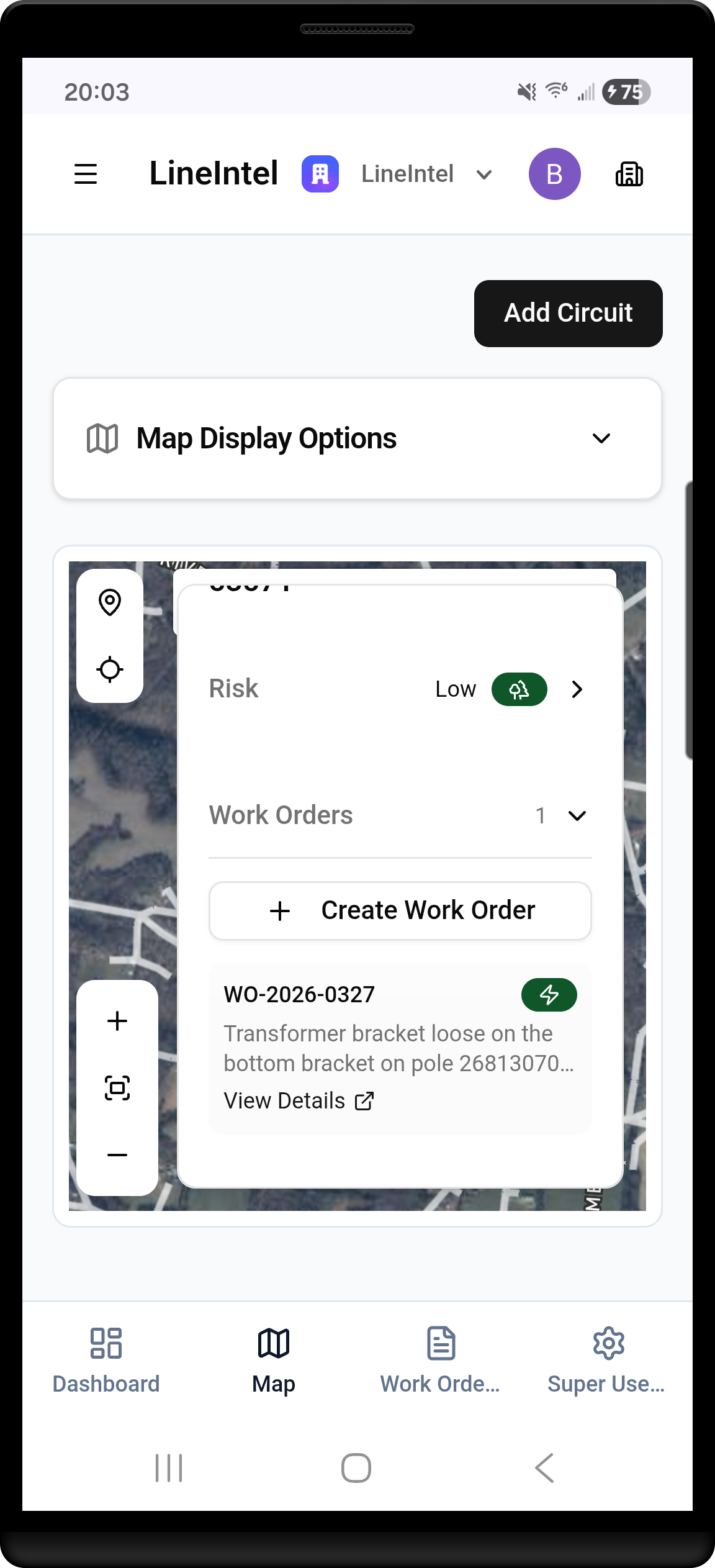
Video slot
Creating work orders
Turn findings into structured field tasks with clear ownership and next action.
Engagement close
Keep the next customer action clear.
Use this page to jump from briefing to imagery to application workflows, then leave prospects with the assets that match their use case.